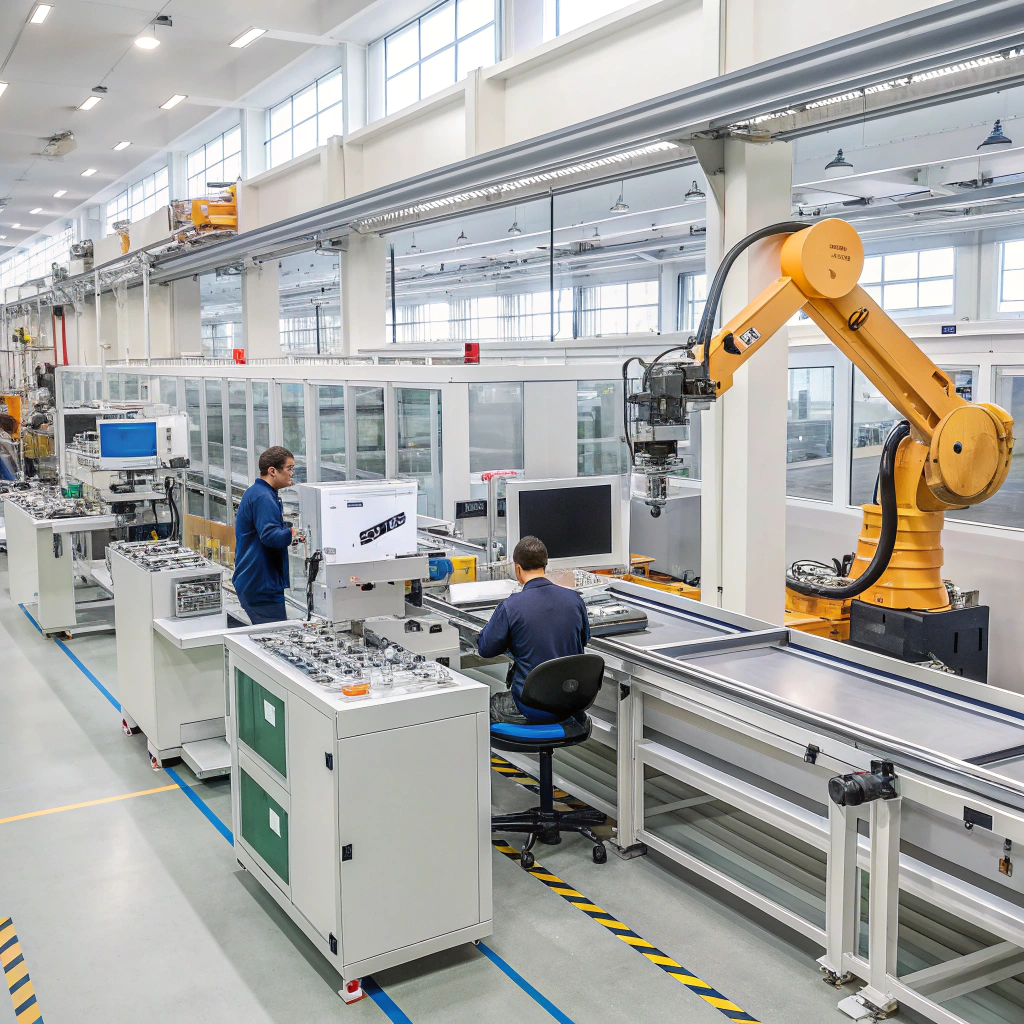
Manufacturers today face intense pressure to improve speed, precision, and efficiency. Traditional manual processes can't keep up anymore. This is where computer-aided manufacturing comes in.
Computer-aided manufacturing (CAM) uses software and computer-controlled machinery to automate manufacturing processes, improving consistency, accuracy, and productivity.
In this article, I’ll explain what CAM is, its core benefits, how to implement it in your operations, and the trends shaping its future. Whether you’re a factory manager or a technical buyer, this guide will help you understand how CAM can support your business goals.
What is computer-aided manufacturing?
Manual manufacturing methods often lead to human error, delays, and waste. As demand increases and tolerances shrink, this becomes a serious problem.
Computer-aided manufacturing (CAM) refers to the use of computer software to control machine tools and related machinery in the manufacturing process.
CAM systems work by converting 3D models or 2D drawings into instructions (G-code) that machines follow. These machines might be CNC mills, lathes, routers, or laser cutters. CAM ensures that parts are made exactly as designed, every time.
CAM vs CAD: What’s the Difference?
CAD (Computer-Aided Design) and CAM are closely linked. CAD is used to design products digitally, while CAM turns those designs into real-world parts.
| Feature | CAD (Computer-Aided Design) | CAM (Computer-Aided Manufacturing) |
|---|---|---|
| Main Function | Create detailed digital models and drawings | Automate manufacturing using digital models |
| User | Engineers, product designers | Machine operators, manufacturing engineers |
| Output | Design files (e.g., DXF, STL) | Toolpaths, G-code for machines |
| Integration | Often used together with CAM tools | Uses CAD files to generate machining plans |
Key Components of a CAM System
CAM systems often include:
- Post-processors: Convert toolpaths into specific machine instructions.
- Toolpath generation: Calculates the optimal movement of tools.
- Simulation: Allows operators to preview machining and detect errors before production.
- NC Programming: Provides numerical control codes for CNC machines.
CAM tools can be standalone or part of integrated suites like Fusion 360 or SolidWorks.
What are the benefits of computer-aided manufacturing?
Production mistakes cost money. They waste time, material, and labor. CAM helps minimize those risks.
CAM improves manufacturing efficiency by reducing errors, increasing precision, lowering costs, and enabling faster turnaround times.

Let me break this down further with practical benefits I’ve seen in the field.
1. Increased Accuracy
CAM systems generate highly accurate toolpaths based on digital designs. This reduces human error and ensures each part meets exact specifications.
2. Better Repeatability
Once a toolpath is created, it can be reused repeatedly. This ensures that every batch of parts is consistent in quality and dimensions.
3. Faster Production Times
CAM automates time-consuming manual tasks. It also enables machines to run unattended for long periods, boosting productivity.
4. Lower Labor Costs
Fewer manual steps mean fewer chances for mistakes and less reliance on specialized labor. Skilled operators are still needed, but CAM reduces overall labor intensity.
5. Material Savings
With optimized toolpaths and cutting strategies, CAM reduces material waste. This is especially important in industries like aerospace and automotive.
| Benefit | Impact on Production |
|---|---|
| Accuracy | Reduces rework and rejects |
| Repeatability | Ensures consistent quality across batches |
| Speed | Shortens lead times |
| Cost Efficiency | Reduces labor and material costs |
| Flexibility | Easy to modify and adapt toolpaths |
How to implement CAM systems effectively?
Many companies struggle with CAM adoption. It looks technical and expensive at first glance.
To implement CAM successfully, start with the right software, train your team, and ensure compatibility with existing machines.
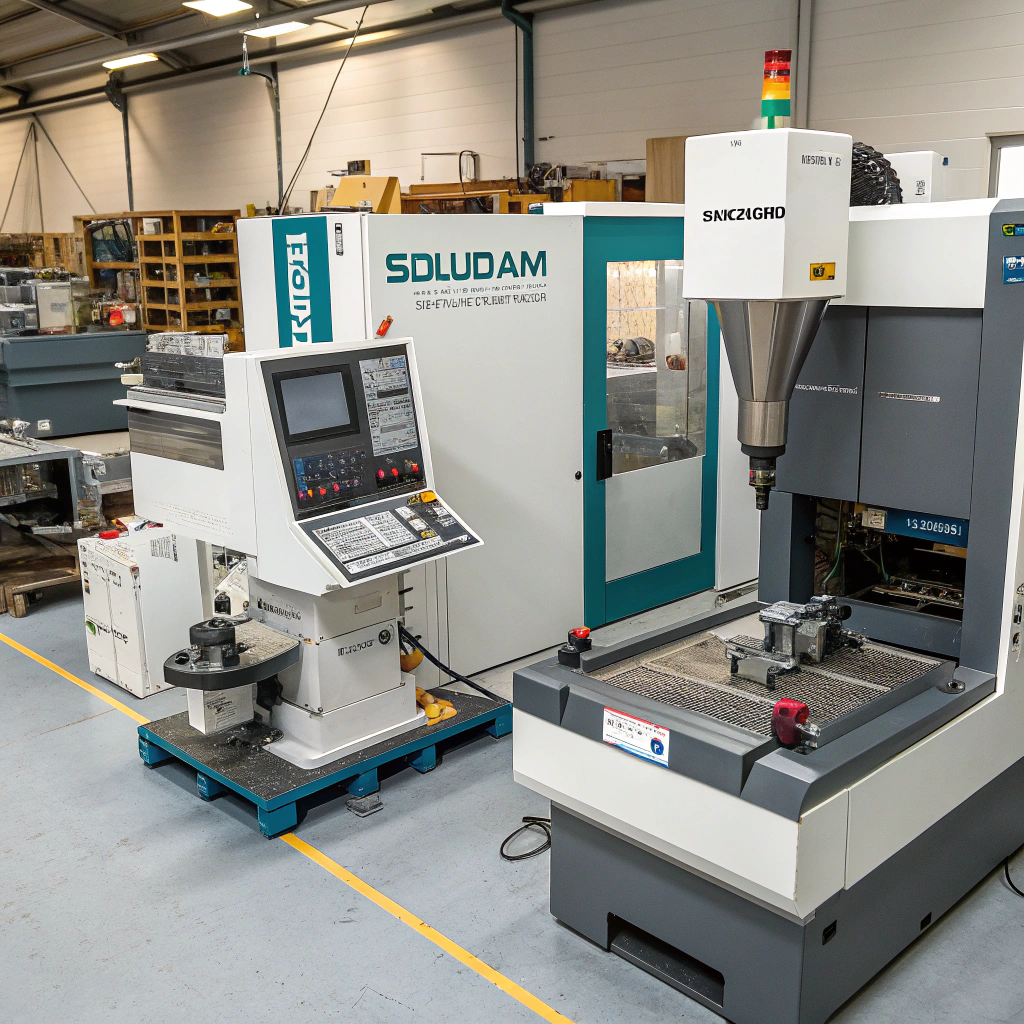
When I first introduced CAM into my operations, I followed a step-by-step process. Here's what worked well.
Step 1: Assess Your Manufacturing Needs
Look at your current production challenges. Are there bottlenecks? Quality issues? Long lead times? CAM should solve a specific pain point, not just be a trendy tool.
Step 2: Choose the Right CAM Software
Pick software based on:
- Your industry (metalworking, plastics, wood, etc.)
- Complexity of parts
- Integration with your CAD tools
- User interface and learning curve
Popular CAM software includes:
- Mastercam
- Autodesk Fusion 360
- SolidCAM
- Siemens NX CAM
- Edgecam
Step 3: Upgrade or Retrofit CNC Machines
Not all machines are CAM-ready. You may need newer CNC models or retrofit kits to add digital control. Check for compatibility with G-code formats and controllers.
Step 4: Train Your Team
This is key. No matter how powerful the software is, if operators can’t use it, it’s useless. Provide ongoing training and access to support resources.
Step 5: Start with a Pilot Project
Test CAM on a small but representative product. Measure performance changes in time, cost, and quality. Use this data to justify a larger rollout.
Step 6: Integrate with Your Workflow
Ensure that CAM fits within your full digital workflow—from design to manufacturing to QA. Look for CAM tools that integrate with ERP, PLM, or MES systems.
What are the trends shaping computer-aided manufacturing?
CAM is not standing still. New technologies are transforming how we produce parts and run factories.
Key trends in CAM include AI integration, cloud-based platforms, hybrid manufacturing, and improved automation.
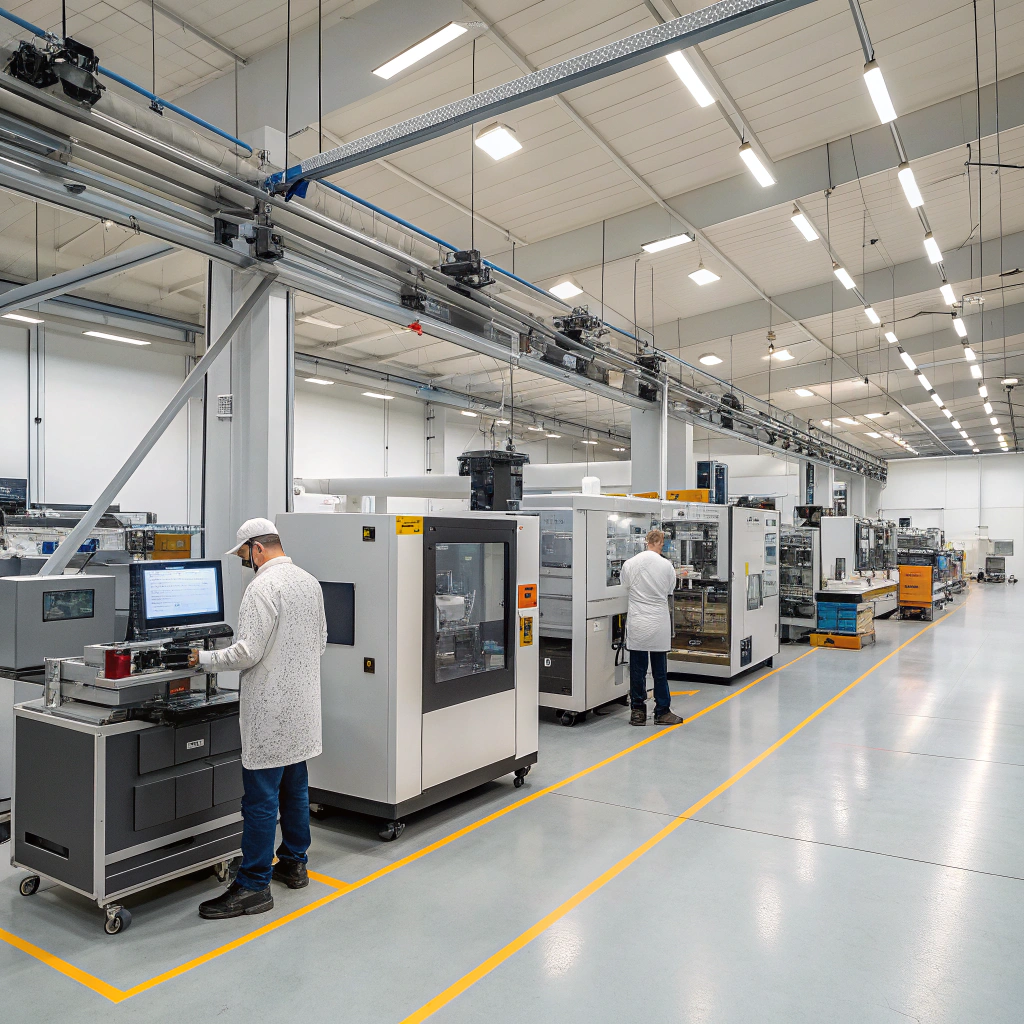
Here are four trends I’m paying close attention to.
1. AI-Driven Toolpath Optimization
CAM systems are beginning to use machine learning to improve toolpath generation. This means better material usage, fewer tool changes, and faster operations.
For example, software can now analyze past jobs and suggest optimal strategies for new ones. This reduces programming time and improves machining outcomes.
2. Cloud-Based CAM Solutions
Cloud platforms like Fusion 360 allow teams to access CAM tools from anywhere. This improves collaboration, especially for remote teams or distributed production networks.
Cloud-based CAM also reduces the need for expensive local hardware and makes software updates seamless.
3. Hybrid Manufacturing (Additive + Subtractive)
Some CAM systems now support both additive (3D printing) and subtractive (CNC) processes. This allows manufacturers to combine complex internal features with precise finishing.
Hybrid workflows are useful for aerospace, medical, and custom tooling industries, where unique shapes and tolerances matter.
4. Real-Time Machine Monitoring and Feedback
Modern CAM integrates with sensors and IoT systems on shop floors. Operators can get real-time feedback on machining progress, tool wear, and part quality.
This helps identify problems early, reduce downtime, and improve preventive maintenance.
Emerging CAM Trends Table
| Trend | Description | Impact |
|---|---|---|
| AI in Toolpath Planning | Learns from past jobs to improve efficiency | Reduces programming time |
| Cloud-Based Platforms | Access CAM tools remotely | Enhances collaboration |
| Hybrid Manufacturing | Combines 3D printing and CNC in one workflow | Increases design flexibility |
| Real-Time Feedback Systems | Uses IoT and sensors to monitor machines live | Improves quality and uptime |
Conclusion
Computer-aided manufacturing helps companies make products faster, cheaper, and more accurately. By combining smart software with CNC machines, CAM improves production quality and consistency. Whether you're producing custom aluminum profiles or high-precision components, CAM can make your workflow smoother and more scalable.