
STL file conversion is the process of changing an STL (Stereolithography) file, commonly used for 3D printing, into another file format such as STEP, IGES, or OBJ. This process is essential for different applications in manufacturing, CAD, and 3D modeling.
STL file conversion involves converting 3D models from the STL format, which describes only the surface geometry, into other formats that provide more detailed information, such as design specifications, dimensions, and materials.
STL files are widely used in 3D printing because of their simplicity. However, for various engineering and manufacturing purposes, you might need to convert them into more complex formats like STEP. Let’s explore what STL file conversion is, why it’s necessary, and how it’s done.
Why Convert STL to STEP Format?
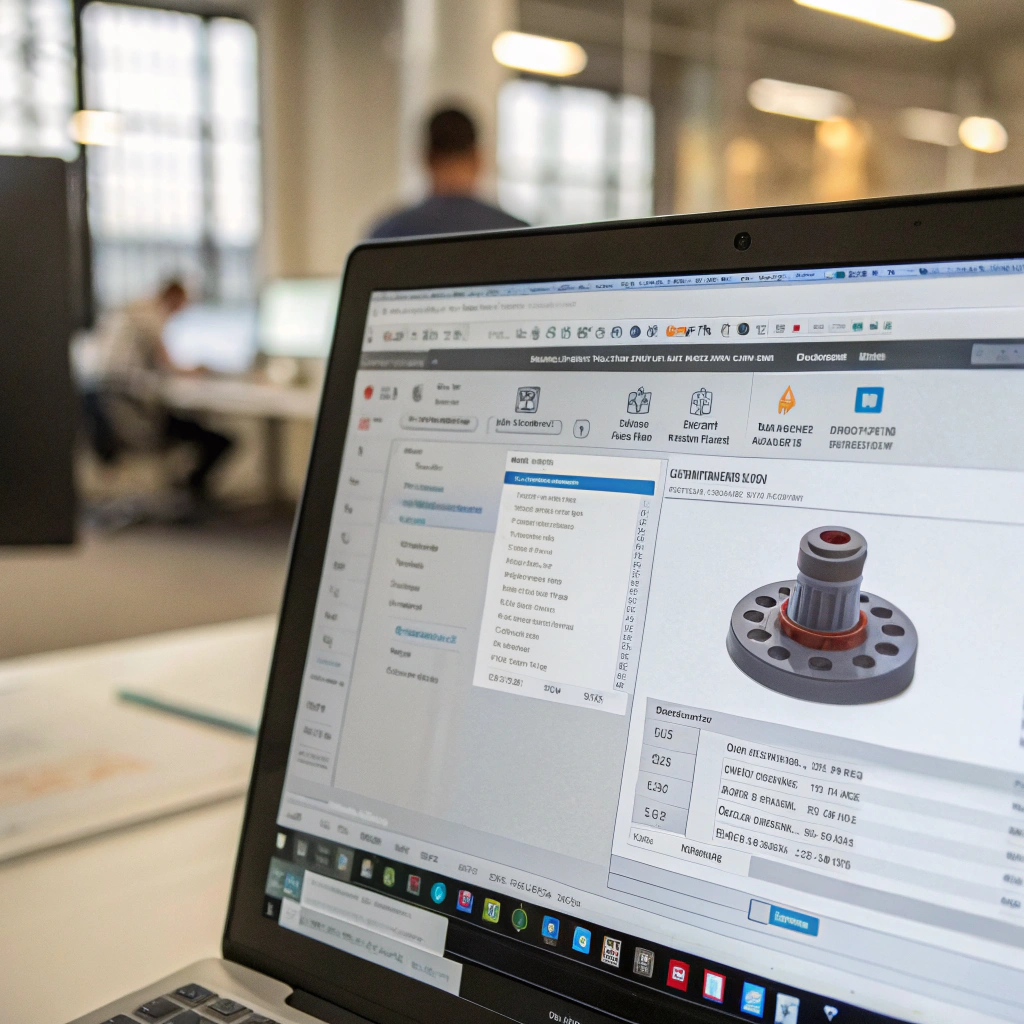
Converting STL to STEP allows you to move from a simple surface-based model to a more detailed, parametric representation that can be used in CAD software for manufacturing and assembly.
STL files describe only the outer geometry of a 3D object using triangles, making them great for 3D printing. However, for many engineering applications, a more detailed and feature-rich file format is required. STEP files provide more flexibility by including specific design features, parametric data, and material properties, making them suitable for use in CAD software for product design and manufacturing.
Why Do Engineers Need STEP Files?
STEP (Standard for the Exchange of Product Model Data) is a neutral file format used for exchanging 3D CAD data between different software programs. Unlike STL files, which are used mainly for printing and lack detailed information, STEP files provide the following advantages:
-
Parametric Data
STEP files contain parametric data, which defines the size, shape, and position of features such as holes, slots, or fillets. This allows for easy modification and editing in CAD software. -
Assembly Information
STEP files can store assembly data, which is essential for complex models that involve multiple parts. This allows the components to be assembled and tested virtually before actual production. -
Material and Manufacturing Specifications
Unlike STL, STEP files can include material properties, tolerances, and other information needed for the manufacturing process. This makes it easier to pass data directly to CNC machines or other manufacturing systems. -
More Detailed and Accurate
While STL is a mesh-based format, STEP provides a more accurate, mathematically defined model of the object. This results in fewer issues when scaling, editing, or performing simulations.
How to Convert STL Files to STEP Correctly?
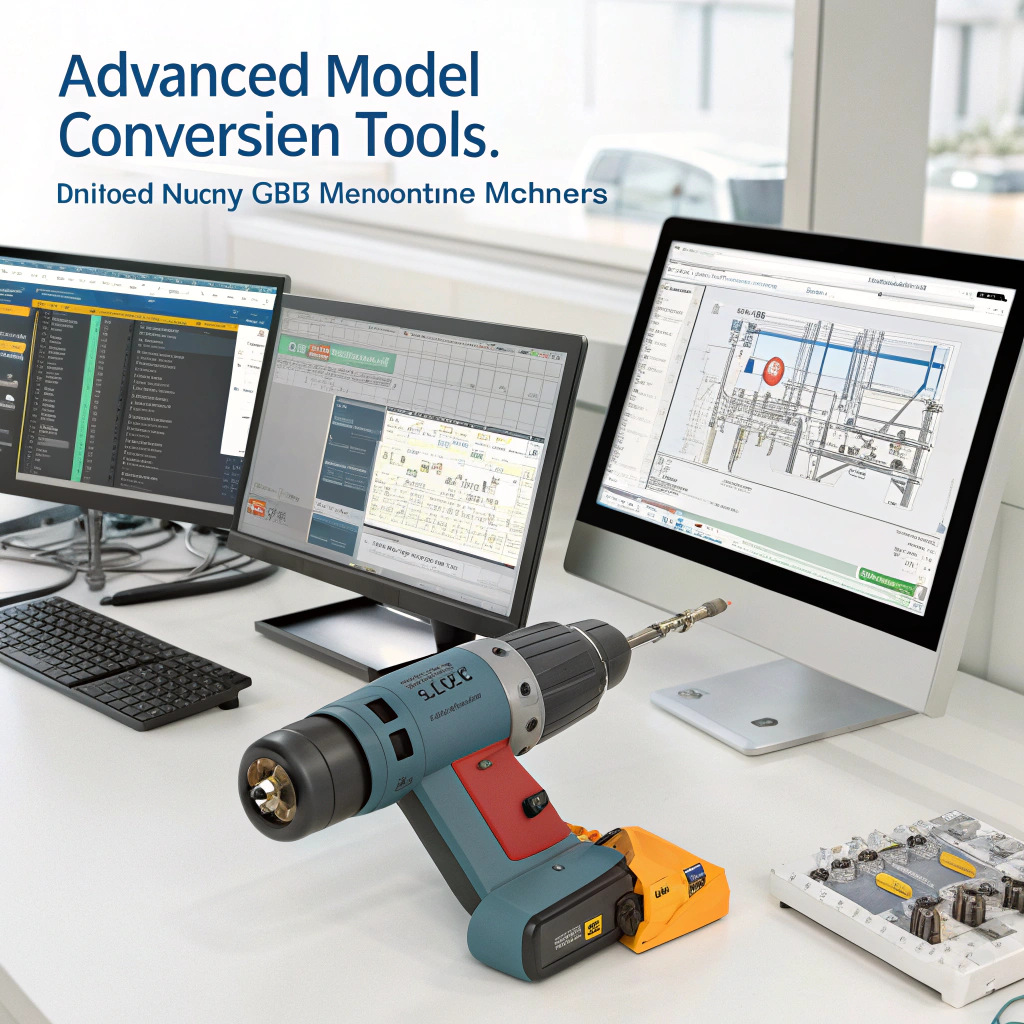
Converting STL files to STEP requires specialized software that can interpret the mesh data in the STL file and create a solid, parametric model for use in CAD applications.
The conversion process from STL to STEP is not always straightforward, as STL files do not contain parametric data and are made up of triangular surfaces, whereas STEP files are solid and parametric. However, there are several ways to perform this conversion, depending on the software tools you use.
Step-by-Step Guide to Convert STL to STEP
-
Choose a Conversion Tool
There are several software tools available for converting STL to STEP, including:- FreeCAD: An open-source tool that can import STL files and convert them into STEP format.
- MeshLab: A 3D mesh processing software that allows for some level of STL-to-STEP conversion.
- Fusion 360: A powerful CAD tool that can import STL files and convert them into STEP by using the "Mesh to BRep" function.
- SolidWorks: A professional CAD program that can convert STL files into parametric STEP files by converting the mesh into solid bodies.
-
Import the STL File
Open the STL file in your chosen software. Most 3D modeling or CAD software has the ability to import STL files directly. -
Repair the Mesh
Since STL files are mesh-based and may contain issues like holes, non-manifold edges, or duplicate vertices, you’ll need to repair the mesh before converting it to STEP. Many software tools, such as FreeCAD or Fusion 360, include mesh repair features. -
Convert the Mesh to a Solid Model
After repairing the mesh, the next step is to convert the STL file into a solid model. This process typically involves transforming the triangular mesh into a solid body that can then be used in a parametric CAD system. -
Export the Model as STEP
Once you’ve successfully created the solid model, export it as a STEP file. This will preserve the parametric data and features needed for further modification and manufacturing. -
Check the STEP File
After conversion, always double-check the STEP file for any inconsistencies or issues. Sometimes, the conversion might not be perfect, especially with complex models, so it’s important to verify that the features and geometries are intact.
What Are the Trends in 3D Model Conversion Tools?

As 3D modeling and CAD software evolve, new trends in 3D model conversion tools are focusing on improving automation, accuracy, and interoperability between different file formats.
The need for 3D model conversion tools is growing as industries increasingly rely on CAD for product design, manufacturing, and simulation. As technology advances, several key trends are shaping the future of these tools, particularly in the conversion from STL to STEP and other formats.
1. Cloud-Based 3D Conversion Tools
Cloud-based tools are becoming increasingly popular in the 3D modeling space. These tools offer several advantages:
- Accessibility: Users can access the conversion tools from any device with an internet connection, making them more versatile and easy to use.
- Collaborative Workflows: Cloud tools allow multiple users to collaborate on a single project, sharing and converting files in real time.
- Scalability: Cloud-based tools can handle large files and complex conversions without requiring powerful local hardware.
2. AI-Driven Conversion Algorithms
Artificial intelligence (AI) is being incorporated into 3D model conversion tools to improve accuracy and speed. AI-driven algorithms can:
- Automate Mesh Repair: AI tools can automatically detect and fix issues in mesh data, reducing the manual effort needed for repair.
- Enhance Conversion Accuracy: AI can better interpret the geometric data in STL files, making it easier to convert them into more accurate STEP files without losing detail.
- Improve Compatibility: AI-powered tools are being designed to automatically adjust for different file formats, improving the compatibility between STL, STEP, IGES, and other formats.
3. Integration with CAD and CAM Software
Another trend is the growing integration of 3D conversion tools with CAD (Computer-Aided Design) and CAM (Computer-Aided Manufacturing) systems. This allows for a seamless workflow between design and manufacturing:
- Direct Integration: Many CAD tools now have built-in 3D conversion options, allowing users to import, convert, and edit 3D models within the same environment.
- Improved Manufacturing Data: By converting STL files to STEP, manufacturers can gain access to more detailed information, such as tolerances, material properties, and design intent, which are essential for accurate manufacturing.
4. Support for Complex Models and Scans
With the rise of 3D scanning and digital twins, there’s an increased demand for conversion tools that can handle complex 3D models, including scanned data. These tools are being enhanced to process:
- Point Cloud Data: Tools that can convert point clouds (from 3D scans) into solid models, ready for further editing and manufacturing.
- Freeform Shapes: Support for more organic and freeform shapes, like those used in industrial design and bioengineering, is becoming more common.
5. Real-Time Rendering and Preview
Real-time rendering and preview functions are being integrated into 3D model conversion tools, enabling users to immediately see the results of their conversions. This feature allows:
- Immediate Feedback: Users can instantly visualize how their STL model looks after conversion to STEP, ensuring that there are no errors before finalizing the file.
- Enhanced Decision Making: Quick visual feedback helps engineers and designers make better decisions about modifications to the model during the conversion process.
Conclusion
STL to STEP conversion plays a crucial role in bridging the gap between 3D printing and detailed engineering and manufacturing applications. The trends in 3D model conversion tools show a move towards automation, cloud-based solutions, and AI-driven accuracy, making the process easier and more efficient for engineers and designers across various industries.