CNC programming is the brain behind machining. Without good software, even the best machine can waste time, money, and materials.
The best CNC programming software depends on your part complexity, machine type, and production goals. Top names like Mastercam, Fusion 360, and hyperMILL lead for versatility and accuracy.
Different shops need different tools. Understanding the key features and applications of CNC software helps choose the best solution for your workflow.
How do CNC software features differ?
Not all CNC software are created equal. Some are easy to use for basic parts. Others offer full 5-axis control, simulation, and real-time optimization. Knowing what each feature does helps pick the right software for your shop.
Basic CAM software handles simple cuts, while advanced systems offer simulation, adaptive paths, 5-axis support, and CAD integration to reduce errors and save time.
Software features vary in depth and complexity. A beginner-friendly program may support only 2D or basic 3D paths. It works fine for slots, holes, or simple profiles. But once parts require compound angles, curves, or multi-side operations, basic features fall short.
Here are key categories where CNC software differs:
Feature Breakdown Table
| Capability | Basic Software | Advanced Software |
|---|---|---|
| 2D Machining | ✔️ Yes | ✔️ Yes |
| 3D Machining | ❌ Limited | ✔️ Full Control |
| Multi-Axis (4, 5 axis) Support | ❌ Rare | ✔️ Standard Feature |
| Toolpath Simulation | ❌ Basic or None | ✔️ Detailed, Real-Time |
| Tool Libraries | ❌ Limited | ✔️ Custom + Shared |
| CAD Integration | ❌ Separate Tools | ✔️ Built-in or Linked |
| G-code Post-Processing | ✔️ Basic | ✔️ Advanced, Custom |
Advanced software also provides toolpath optimization, which reduces machining time and tool wear. It calculates smart cutting paths that avoid unnecessary movement.
If you’re scaling production or working with complex designs, this kind of optimization becomes a major advantage.
Why choose advanced CAM tools?
Basic tools can only go so far. For high-precision, complex, or high-volume production, advanced CAM software gives better control and fewer mistakes.
Advanced CAM software improves efficiency, supports complex parts, avoids collisions, and reduces rework. It’s essential for modern manufacturing.
There are several clear reasons to upgrade from free or entry-level software:
Faster Setup and Toolpath Automation
Advanced software can automate toolpath creation based on part features. This cuts down programming time and keeps consistency across jobs.
Better Simulation
Collision detection, material removal simulation, and real-time verification prevent crashes. This avoids tool damage or machine downtime.
5-Axis and Mill-Turn Support
High-end CNC jobs often require multi-axis operations. Advanced CAM software supports smooth transitions, accurate angles, and reduced repositioning.
Better Tool and Material Libraries
Premium software often comes with customizable tool databases, speeds and feeds for various materials, and templates for common operations.
Adaptive Clearing and Optimization
Instead of cutting the same amount each pass, the tool adapts to the material left. This saves time, reduces stress on the tool, and improves finish.
Software like Mastercam, hyperMILL, and Fusion 360 offer these advanced features, improving the workflow from design to G-code.
While the initial learning curve might be higher, the long-term benefits in speed and accuracy outweigh the investment.
Which industries need top CNC software?
Not every industry needs premium software. But certain sectors simply can’t compromise on quality, tolerances, or speed. These industries rely on top-level CAM tools.
Industries like aerospace, automotive, mold & die, and medical rely on top CNC software for tight tolerances, complex shapes, and multi-axis operations.
Let’s break down some examples:
Industry Use Case Table
| Industry | CAM Requirement Example |
|---|---|
| Aerospace | 5-axis machining for turbine blades |
| Automotive | High-volume engine parts with tight tolerances |
| Medical | Precision implants and surgical tools |
| Mold & Die | Complex cavities and surface finishing |
| Robotics | Prototyping with frequent design changes |
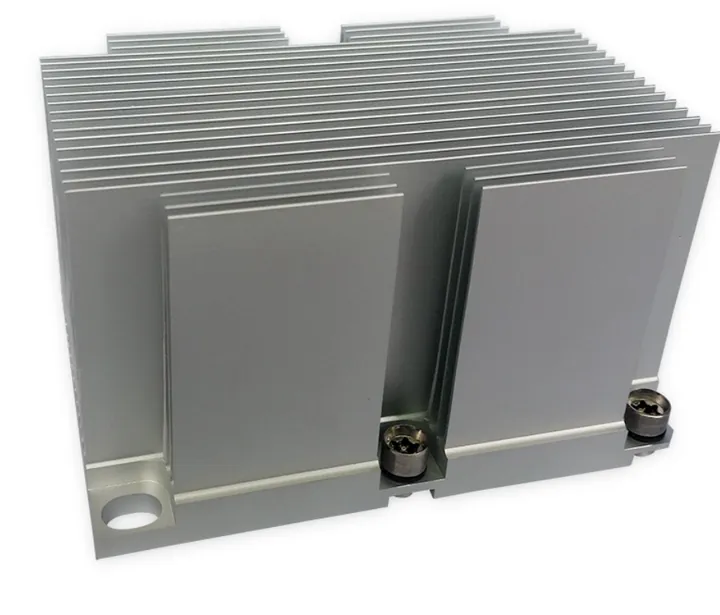
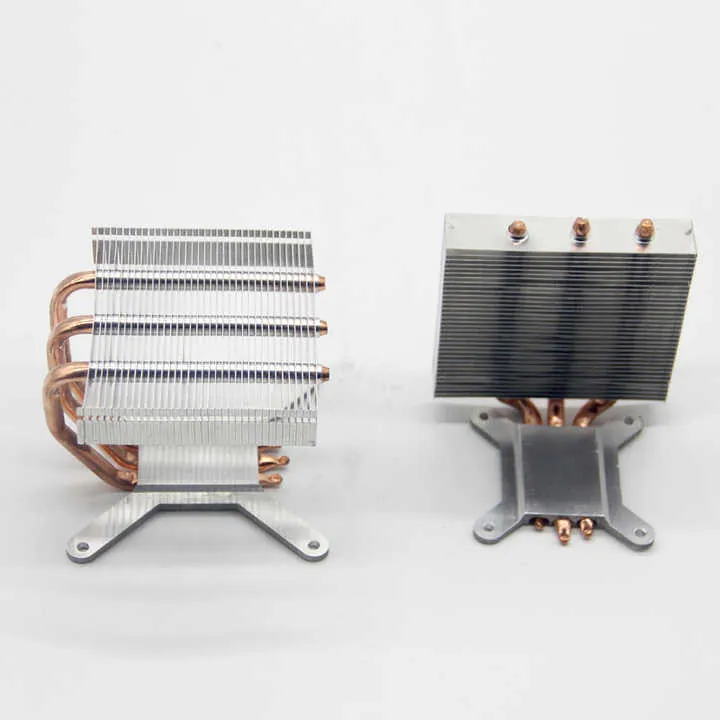
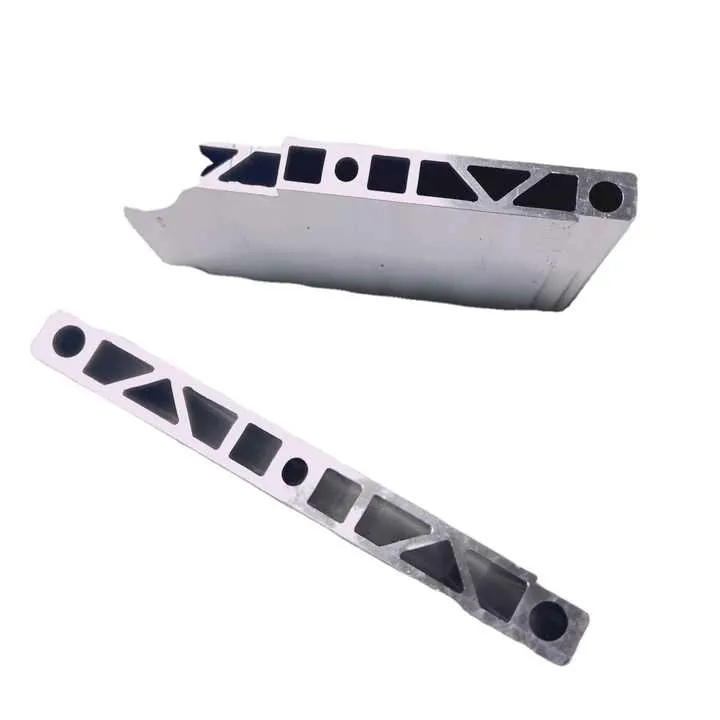
| Electronics | Heat sinks, enclosures, connectors |
These industries need software that integrates with CAD, handles unusual geometries, and optimizes every second of machining.
In mold and die making, surface finish and dimensional accuracy matter most. For aerospace, weight reduction and material behavior are key.
For medical applications, consistent repeatability and documentation compliance are vital.
Where is premium CNC software used?
Premium software isn’t just for massive factories. Many mid-size and even small job shops use high-end CAM systems to win contracts and maintain quality.
Premium software is used in high-precision workshops, prototyping labs, aerospace plants, and any shop needing advanced multi-axis or integrated design-to-machining workflows.
Where You’ll See Advanced CAM Software
- Aerospace factories – multi-material, curved part programming
- Tool & Die shops – mold cavity milling, high detail
- Medical labs – fine-tuned implants and surgical parts
- Automotive suppliers – engine blocks, gearboxes
- CNC prototyping – frequent CAD changes, quick iterations
- Job shops – handling many part types with fast turnaround
Fusion 360 is popular with design teams who want all-in-one CAD + CAM + simulation. Mastercam and hyperMILL lead in tool-making and multi-axis control.
Popular Premium CNC Software (for reference)
| Software | Best For | CAD Integration | Simulation | 5-Axis |
|---|---|---|---|---|
| Mastercam | Tool & Die, Production Shops | Yes | Yes | Yes |
| Fusion 360 | Prototyping, Design Engineers | Full | Yes | Yes |
| hyperMILL | Aerospace, Mold & Die | Optional | High-End | Yes |
| ESPRIT | Complex Mill-Turn & EDM | Yes | Yes | Yes |
| PowerMILL | High-Speed Surface Machining | Yes | Yes | Yes |
Some software also support cloud-based collaboration, making them ideal for distributed design and manufacturing teams.
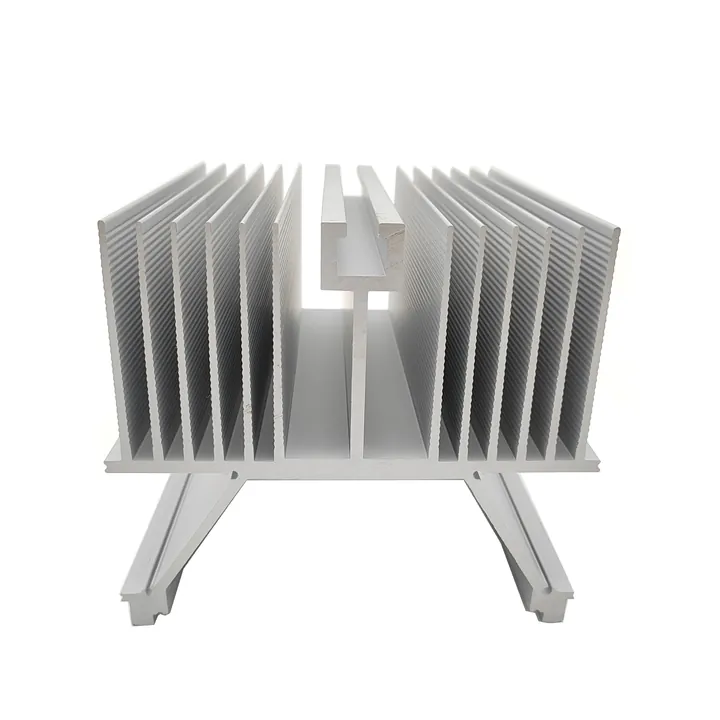
If your business involves complex aluminum extrusions + CNC processing like ours, a good mix of modeling, simulation, and multi-operation toolpaths is essential.
Conclusion
Choosing the best CNC programming software depends on your parts, machines, and goals. Basic tools suit simple jobs. For high accuracy, complex geometry, or multi-axis operations, advanced CAM software like Mastercam or Fusion 360 unlocks speed, safety, and precision. The right tool helps make better parts, faster.