Many workshops struggle with software that slows down projects or fails at precision. Wrong choices cause waste, errors, and delays.
The best CNC software depends on how well it meets needs. Good software makes CAD to CNC smooth and delivers accurate parts fast.
Finding the right CNC software isn’t about just comparing features. It’s about making sure your workflow runs smoothly, your team works fast, and your machines do exactly what you need. In this article, I’ll explain how to evaluate, what industries need most, and how to pick the best fit for your operation.
How do users evaluate CNC software performance?
Some CNC software looks easy at first, but in real production it causes problems. Shops need tools that handle jobs fast and right.
Users judge CNC software by its speed, accuracy, ease of use, and reliability in real jobs.
When evaluating CNC software, performance is about real results, not just interface or speed. Workshops test how quickly the software converts designs to G-code. But they also check if tool paths are efficient and safe. If software crashes during big files, or creates slow paths, it costs time and material.
Common evaluation criteria
| Criteria | Why it matters |
|---|---|
| Speed | Faster code generation reduces bottlenecks |
| Accuracy | Parts must meet exact tolerances every time |
| Reliability | Stable software avoids crashes and rework |
| Usability | Clear interface helps new users and speeds daily tasks |
| Compatibility | Works with various machines and control types |
| Post-processing | Outputs clean code for specific controllers |
CNC users often run a test cut of a real part. Then they measure the outcome. If surfaces are smooth, dimensions match, and there are no collisions, they keep the tool. If not, they switch. Performance is about the final part, not the software brand.
Simulation is another key tool. It helps verify the cut before any material is wasted. Some tools even show machine motion in real-time to detect crashes.
Why do workflows depend on CAM capabilities?
Many assume that once the design is done, the rest is easy. But if CAM is weak, the shop stops.
Workflows depend on CAM features because these decide how designs become accurate, efficient CNC code.
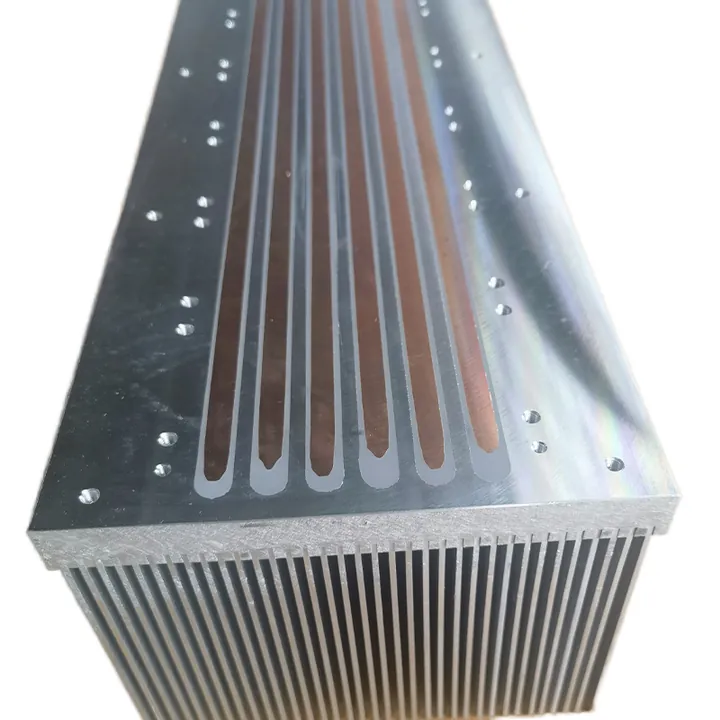
The CAM module controls everything after design: toolpaths, cut order, speeds, feeds, and more. A good CAM engine turns geometry into logic—deciding how the tool moves and in what order. This has a major effect on how long a part takes and whether it comes out right.
Key roles of CAM in workflow
- Toolpath logic: CAM decides how many passes to take, what path to follow, and how deep the cut should be.
- Collision avoidance: The system must make sure tools don’t hit fixtures or parts.
- Simulation: Verifies that operations work before machining.
- Post-processing: Matches the code to your CNC controller.
- Material strategy: CAM adjusts feeds/speeds for different materials.
- Tool libraries: Keeps track of the tools and their parameters.
CAM Workflow Example
| Workflow Step | CAM Role |
|---|---|
| CAD Import | Reads model geometry accurately |
| Tool Selection | Picks tools based on cut type and material |
| Toolpath Creation | Creates efficient, collision-free paths |
| Post-Processing | Outputs G-code for specific machine |
| Simulation | Verifies motion, catches errors |
Shops that run multi-axis or simultaneous operations rely heavily on CAM. Without proper CAM, manual editing becomes common, which increases error risk. If a shop changes machines, only good CAM can adjust code fast without redesign.
Which industries need advanced CNC programming tools?
Some sectors use CNC for basic shapes. Others use it for high-precision or complex curves. Their needs vary.
Industries like aerospace, automotive, electronics, and custom metal work need advanced CNC tools for precision and complex geometry.
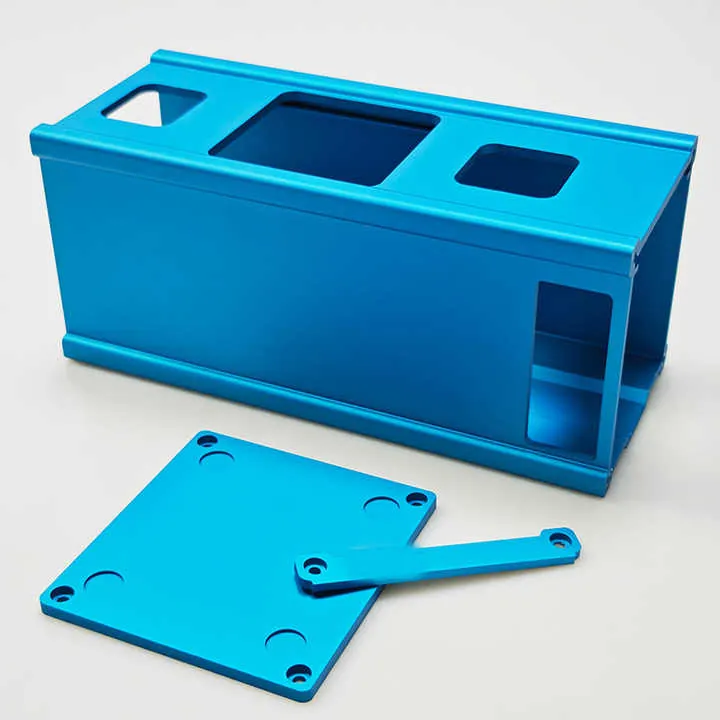
Where CNC software matters most
Industries that need accurate, clean, and repeatable cuts require powerful tools. In aerospace, parts must meet tight tolerances. In automotive, production volume demands stable code. In electronics, fine detail is key. Shops making custom or one-off parts also need flexible tools.
CNC Demand by Industry
| Industry | CNC Software Needs |
|---|---|
| Aerospace | 5-axis paths, light alloys, high verification |
| Automotive | Repeatable processes, toolpath automation |
| Electronics | Thin material, micro-drilling, quick cycles |
| Custom Machining | Flexibility, short-run optimization |
| Medical Devices | High surface quality, advanced materials |
In aerospace, even a 0.01mm error can be critical. So these users need simulation, advanced toolpaths, and strong post-processing. Automotive engineers need code they can reuse. So they pick software that supports templates and batch processing.
Shops doing custom fabrication often change parts every day. They rely on easy setup, material databases, and fast programming tools. Medical parts, often made from titanium or stainless steel, require perfect surface finish. This adds complexity, especially in multi-axis setups.
What factors impact CNC software selection?
A great tool for one shop may fail in another. Choosing software depends on real daily needs.
Software selection depends on what you plan: part complexity, batch size, machine type, material, budget, and team skill level.
No two workshops are the same. Some run simple jobs every day. Others need full 5-axis simulation. Before choosing CNC software, ask yourself what kinds of parts you cut, how many you cut, and what machines you use.
Comparison of key decision factors
| Factor | Questions to Ask |
|---|---|
| Machine Setup | 3-axis or 5-axis? Controller type? |
| Material Range | Do you cut steel, aluminum, or composites? |
| Part Complexity | Are your parts simple pockets or 3D curves? |
| Staff Experience | Can your team handle complex CAM? |
| Production Volume | One-offs or batch runs? |
| Software Budget | One-time cost or subscription? |
| Customer Requirements | Do clients expect full simulation, documentation? |
Types of CNC software and their use cases
| Software Type | Best For |
|---|---|
| Entry-Level CAM | Hobbyists, simple milling |
| Mid-Tier Suites | Small shops, 3-axis jobs, moderate precision |
| High-End CAD/CAM | Aerospace, automotive, medical, 5-axis, complex workflows |
Software integration is also key. Some CAD/CAM software works inside popular 3D CAD platforms like SolidWorks or Fusion360. That helps with speed and file handling. Others offer standalone tools with their own design modules.
Support and updates matter. A tool without support becomes a problem fast when things go wrong. Some licenses include live help, while others charge extra. Make sure you know what you’re buying.
Conclusion
Choosing best CNC software means matching software to needs. Measure performance in real work, respect CAM power, match industry needs, weigh shop factors. The best one fits your work, not hype.