Many dream of building a CNC router. When cost surprises hit — parts, time, waste — it can feel overwhelming. This article breaks down where money goes and how to control costs.
Building a basic desktop‑sized CNC router often costs around $300–$1,000. A larger, more rigid or precise build can reach $2,000–$5,000, depending on materials, components, and features.
If you plan carefully, you can build a working CNC router without overspending. Read on to learn what drives cost, why cost varies so much, and where you can trim expenses.
What factors affect CNC router build cost?
Many start a CNC build with a fixed budget. Then they see costs rise — parts, tools, materials — and hesitate. This section shows common cost‑drivers.
Most CNC build costs come from three big groups: size and strength of frame, quality of drive and motion parts, and type of electronics/spindle. These factors explain why similar machines can cost very differently.
Several factors shape the final cost. Below are key ones:
Frame size and material
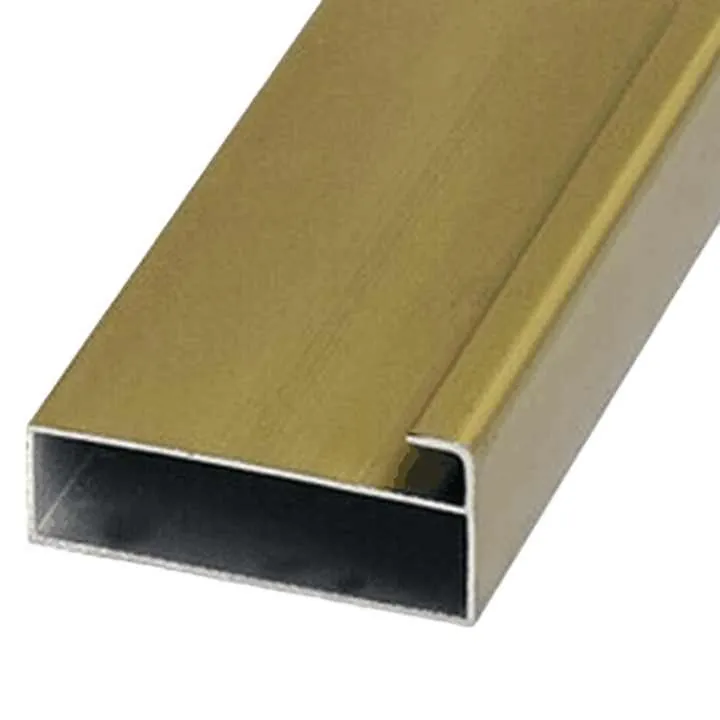
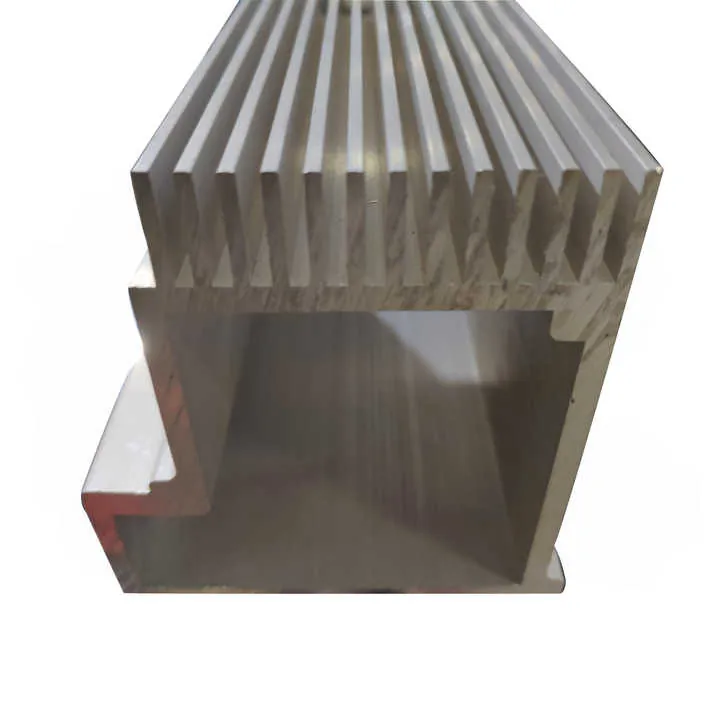
Large or heavy-duty frames need more aluminum extrusion, steel beams, or thick plywood. A bigger frame means more raw material and bigger working area — so cost increases. Small desktop frames cost little in materials; large frames for wood or metal cutting need stronger and heavier-duty materials, pushing price up.
Precision and stability requirements
If you want tight tolerances or less vibration, you need better linear rails or ball screws. Budget builds often use scrap wood or cheap aluminum profiles with basic wheels or rods. That saves money, but it sacrifices accuracy and rigidity. Higher precision parts cost more.
Motion and drive components
Stepper motors, servo motors, belts vs ball screws, couplings — all vary widely in price. A belt-driven, budget-grade stepper setup is cheap. A servomotor with ball screw and heavy-duty couplings is more expensive.
Spindle or router and electronics
A low-cost router or trim bit may cost modestly. A quality spindle and proper mount, plus variable-speed controller, adds cost. Also, motion controller boards (like basic Arduino‑based vs dedicated CNC controller), wiring, limit switches, and emergency stops influence price.
Workbed and wasteboard, fixtures, and accessories
A flat workbed, T-slot bed or spoilboard, clamps, enclosures, dust collection — all add to cost. Builders who ignore these may save money but regret later.
Tools, testing, waste
Material waste, repeated prototyping, tools for drilling, welding or cutting, and testing phases all add hidden costs. These often surprise first-time builders.
Here is a rough cost‑impact breakdown:
| Factor | Low‑cost build (budget) | Mid / High‑cost build (quality) |
|---|---|---|
| Frame material & size | Small wood/frame (~$50–$150) | Large aluminum/steel frame ($200–$600) |
| Drive & motion parts | Basic wheels/rods (~$40–$100) | Linear rails, ball screws ($150–$400) |
| Motors & electronics | Budget stepper + basic board (~$50–$120) | Servo/stepper + quality controller ($200–$500) |
| Spindle/router | Surfacing router (~$50) | Quiet spindle + mount ($150–$350) |
| Workbed, fixtures & extras | Simple MDF board ($20–$50) | T‑slot bed, clamps, wasteboard ($80–$200) |
In sum, the size of the machine, required precision, and chosen components heavily affect cost. Builders who plan large, stiff, precise CNCs with strong motors and good spindles naturally pay more.
Why do DIY CNC costs vary widely?
Some DIY builders spend only a few hundred dollars. Others spend thousands. This variation often stems from different goals, skills, and build methods.
Some DIY builds aim for simple cutting of soft materials. Others aim for hardwood, plastics, or even light metals. The difference in these goals leads to big cost differences.
Here are key reasons for wide cost ranges.
Goals and planned use
A person who plans to route soft aluminum occasionally needs more rigidity than someone who only cuts plywood or foam. When use involves harder materials or fine detail, the builder invests more in sturdy frames, good rails, and stronger spindles. For simple hobby‑level cuts, one can pick budget parts and still get acceptable results.
Reuse vs new parts
Many low‑cost builders re-use old PC parts, scrap wood, or second‑hand materials. This saves money. Others buy brand‑new, high-quality components. Buying new always costs more than reusing or salvaging parts.
Skill level and comfort with work
If a builder can weld, machine, or modify parts, they may salvage or fabricate custom pieces. That reduces cost. Someone who relies only on off-the-shelf kits or prefabricated parts spends more. Skillful adaptation leads to savings.
Quality and reliability expectations
Budget builds may work at first but degrade quickly. Makers who want long-term reliability invest in better components. That raises cost but ensures precision, less maintenance, and longer life.
Features and add-ons
Adding dust collection, enclosures, safety features, high‑end control software, limit switches, auto‑zero probes, emergency stop, good wiring — these add cost. A bare-bones build is cheap. A full-featured setup is expensive.
Time vs money trade‑offs
Spending time sourcing cheap parts, waiting for used components, salvaging materials — this saves money. But time is also valuable. People who value time over money may pay for convenience and buy ready parts — leading to higher cost.
Because of these reasons, two DIY builders can end up spending vastly different amounts even if both build “a CNC router.” The difference lies in goals, parts, skills, and patience.
Which components drive CNC router pricing?
When building a CNC router, some parts cost more than others and have strong effect on final price. These key components deserve focused attention.
The main cost drivers are: frame and structure, drive and motion system, motors and electronics, and spindle/router & mounting. Focusing on these shows where the money typically goes.
Frame and structural parts
The frame is the base of everything. If it is light or flexible, the machine may wobble and ruin cuts. Strong frames might use thick aluminum extrusions, steel tubing, welded joints, or heavy plywood. These parts vary a lot in price, depending on material and precision. A custom steel frame usually costs more than a simple wooden frame.
Drive system: Linear rails, rods, screws, belts
This is often the biggest variable in cost. Cheap builds use rods or smooth rails with plastic wheels, or simple rods with linear bearings. That costs little. Better builds use precision linear rails or ball screws. These cost more but give better accuracy and durability.
Motors and controllers
Stepper motors are common and cheap. Servo motors cost more but give more torque and speed. Controller boards change cost too — a basic one is cheap, but a full-featured stepper/servo controller with good firmware costs more. Wiring, limit switches, emergency stop, and control panel also add cost.
Spindle / Router and mounting
A simple trim router is inexpensive. A proper CNC-grade spindle with mount may cost several times more. The mount must be sturdy. Cheap mounts can lead to vibration or failure. That influences quality a lot. Better spindles work quieter and last longer, but cost more.
Bed, wasteboard, fixtures, and accessories
The workbed needs to be flat and stable. A simple plywood bed costs little. A T‑slot bed or aluminum spoilboard costs more. Clamps, hold‑downs, dust collection, enclosure, lighting — all contribute to cost. Sometimes these extras are 20–30% of total.
| Component | Low-end cost (approx) | Mid / High-end cost (approx) |
|---|---|---|
| Frame and structure | $50–$150 | $200–$600 |
| Rails / screws / belts | $30–$100 | $150–$400 |
| Motors + controller | $60–$150 | $250–$500 |
| Spindle / router | $40–$70 | $150–$350 |
| Workbed + fixtures | $20–$50 | $80–$200 |
Most of overall budget goes into frame, drive system, and motors. Other parts matter, but these four groups dominate cost. If a builder skims on rails but uses good motors, the machine might suffer. If a builder uses cheap motors but good rails, motion may be stiff but slow.
Choosing balance matters. A middle-ground build — good enough frame, decent rails, modest spindle — often gives best cost-to-performance ratio.
Where can builders reduce CNC costs?
Building a CNC router does not always mean spending a lot. With careful planning, smart choices, and some compromise, builders can cut costs significantly without ruining performance.
Thinking about what matters most helps decide where to save. If cutting soft materials or small panels, a lower-cost build often works well. This section shows practical strategies to reduce cost.
Use reclaimed or second‑hand materials
Old plywood, scrap wood, surplus steel or aluminum, old printers or scanners for motors — these can save much money. Linear guides or rails from discarded machines may work with cleaning and relubrication. Even old computers can provide control electronics. This cuts cost of frame, motion parts, and electronics.
Build smaller size machines
Design the router to match the largest size you really need. A smaller bed uses less material, lighter motors, shorter rails. This directly reduces cost. Many small hobby CNCs route wood, plastic, or soft metal just fine — no need for a giant frame.
Choose belt or low‑cost motion system for light work
If cutting foam, plastic, or soft wood, a belt drive or basic rod with linear bearings may suffice. That avoids expensive ball screws or precision rails. It sacrifices precision, but for many hobbies precision is not critical.
Buy parts in kits or from bulk sourcing
Some vendors offer budget CNC kits. These kits bundle frame parts, electronics, motors, and other components at lower combined cost than buying all separately. Bulk-buy components like motors or screws once for multiple builds may also reduce cost per unit.
Delay non-essential add-ons
Dust collection, enclosures, fancy control panels, lighting — these can wait until core functions work. Investing first in frame, motion, and spindle often gives better value. Once basics work well, upgrades can come later.
Do labor yourself when possible
If welding, drilling, or cutting parts yourself, you save labor cost. If you invest time instead of money, overall cost stays lower. Many first-time builders spend more time instead of more money — and end with good results.
Reuse and repurpose tools and electronics
Old PC power supplies, routers, Arduino boards, scrap wiring — these can serve. For example, a spare PC PSU can power stepper motors. A computer’s case can house controls. Reusing parts reduces cost and wastes less.
These strategies help save dozens to hundreds of dollars. They are practical for hobbyists or small‑shop builders. If the goal is occasional wood cutting or small‑batch projects, such cost‑saving choices work well.
Conclusion
Building a CNC router can cost from a few hundred dollars to several thousand. The final cost depends on size, frame strength, motion system, motors, spindle, and extras. If you aim for practicality and reuse what you have, you can build a useful router on a tight budget. If you need precision, heavy-duty performance, or long-term reliability, expect higher costs. Plan based on real needs — and control your spending wisely.