CNC routers can cut, shape, and carve materials with incredible accuracy—but many still don’t fully understand how they work or what they’re best used for.
A CNC router is a computer-controlled cutting machine that uses precise tool paths to shape materials like wood, plastic, and aluminum into customized parts or patterns.
They are used across industries from sign-making to aerospace, and once you know how they work, it's easy to see why they're so useful.
How does a CNC router operate?
CNC routers seem complex at first glance—especially with all the cables, motors, and control panels—but their working principle is straightforward once broken down.
CNC routers operate using programmed instructions (G-code) that control the movement of cutting tools across multiple axes to carve, engrave, or shape materials.
To understand this clearly, think of the CNC router as a robotic sculptor. The machine follows a digital file that defines what to cut. The router then moves its toolhead along the X, Y, and Z axes to carry out the design.
Three-Axis Movement Explained
| Axis | Direction | Function |
|---|---|---|
| X | Left to right | Defines the horizontal motion |
| Y | Front to back | Controls the depth on the table |
| Z | Up and down | Moves the cutting tool vertically |
Once a design is loaded into the machine, the software translates it into G-code. That G-code tells the motors when to start, where to move, and how fast to go. Stepper or servo motors then push the spindle to follow the route. The spindle spins a bit or cutting tool, which cuts into the workpiece.
The tool used depends on the material and shape. For example, a straight bit might cut plastic sheets, while a V-bit is better for engraving wood.
Key Components
- Spindle: The rotating part that holds the cutting tool.
- Bed/Table: Where the material is placed and fixed.
- Drive System: Uses motors to move along axes.
- Controller: The “brain” that reads G-code.
- Dust Collector: Keeps the workspace clean.
Once set up, a CNC router works without manual control. Operators just load the material, secure it, press start, and the machine takes care of the rest.
Why use a CNC router for wood and plastic?
Wood and plastic are two of the most commonly processed materials, but manual cutting has serious downsides—errors, waste, and inconsistent results.
CNC routers are ideal for wood and plastic because they offer precision, repeatability, and faster production with less material waste.
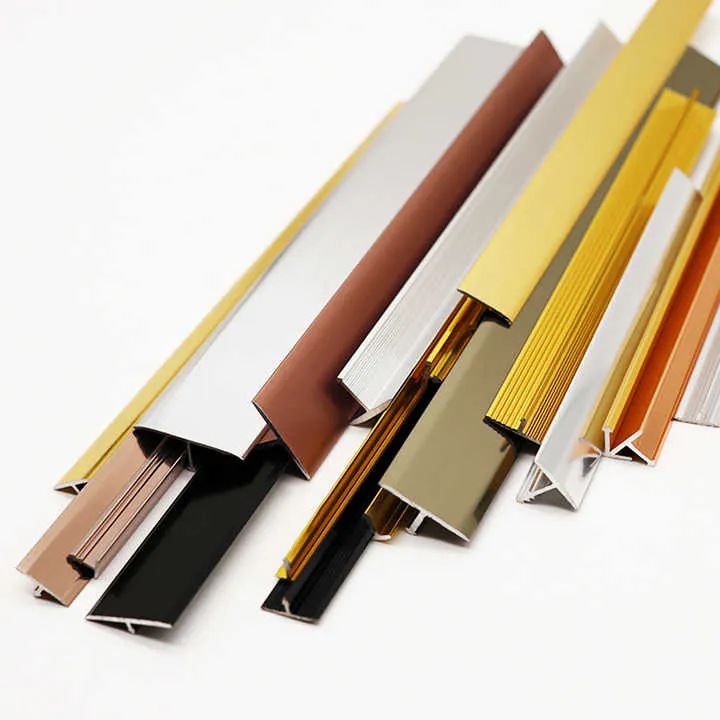
Using CNC technology for these materials allows manufacturers to produce identical parts over and over. This is especially important for mass production. Whether it’s wooden cabinets or acrylic signs, CNC routers create smoother finishes and tighter tolerances than traditional tools.
Advantages for Wood
- Clean edges, even on curved cuts
- Perfect for carving logos or text
- Handles hardwood, softwood, and MDF
- Great for nesting multiple parts from one sheet
Benefits for Plastic
- Won’t crack or melt the material when used correctly
- Can cut complex shapes like slots, tabs, and curves
- Ideal for high-speed, high-accuracy jobs
- Works with materials like ABS, acrylic, and HDPE
Comparison Table: Manual vs CNC
| Feature | Manual Cutting | CNC Router |
|---|---|---|
| Accuracy | Varies by skill | Up to 0.01mm |
| Repetition | Hard to replicate | Consistent, automated |
| Speed | Slower | Much faster |
| Complexity of Shapes | Limited | Nearly unlimited |
| Operator Fatigue | High | Low—machine does the work |
In woodworking, routers are commonly used to make cabinets, signs, and doors. In plastic manufacturing, they cut lightweight panels, prototypes, or components for larger assemblies. CNC routers have become essential for anyone working with these two materials at scale.
Which materials are ideal for CNC routing?
It’s easy to assume CNC routers only work with soft materials, but their range is actually much broader. Material choice matters because it impacts tool type, feed rate, and router settings.
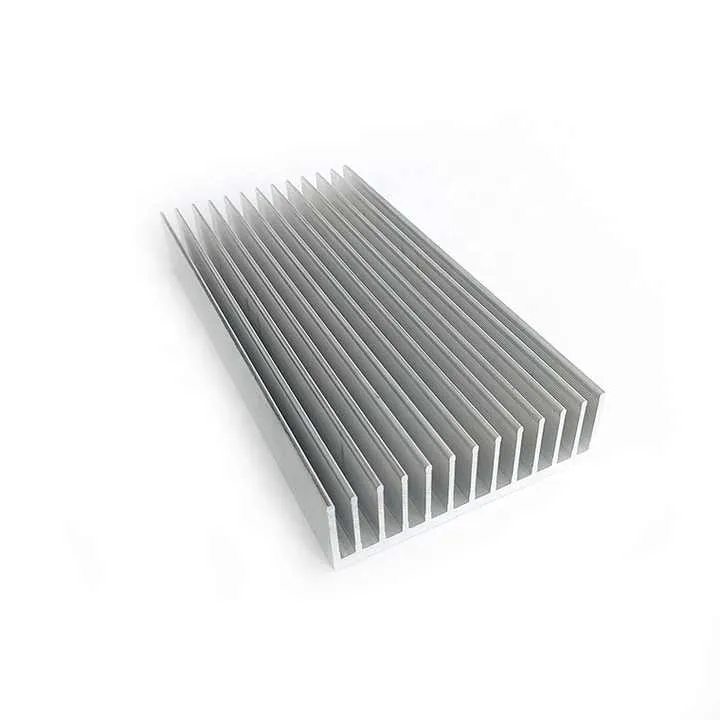
Ideal materials for CNC routing include wood, plastic, aluminum, foam, and composite panels due to their workability and compatibility with high-speed cutting tools.
Common Material Categories
Wood-Based Materials
- Hardwoods (oak, walnut): Strong and attractive for furniture.
- Softwoods (pine, cedar): Easier to cut; used in framing and signage.
- MDF and Plywood: Popular for CNC because they’re consistent and cost-effective.
Plastics
- Acrylic (PMMA): Clear and used in displays.
- Polycarbonate: Stronger than acrylic, used in safety equipment.
- PVC: Lightweight, good for signs or 3D letters.
Metal
- Aluminum: The most common metal used in CNC routers. Needs proper cooling and slow feeds.
- Brass/Copper: Less common but still routable with care.
Foam and Composites
- PU Foam: Used for molds and mockups.
- ACP (Aluminum Composite Panel): Used in construction and advertising.
Special Considerations
Not all materials cut the same. For example, aluminum generates more heat, so it needs coolant. Plastics may melt if the tool spins too fast. Wood can splinter if feed rates are too high.
The key to a clean cut is choosing the right bit, RPM, and feed speed. Many users keep a reference chart to set these correctly.
CNC Router Material Compatibility Table
| Material | Routability | Notes |
|---|---|---|
| MDF | ✅ High | Best for furniture panels |
| Acrylic | ✅ High | Use sharp bit, avoid melting |
| Aluminum | ✅ Medium | Use coolant and slow feeds |
| Foam | ✅ Very High | Easy to shape, good for mockups |
| Hardwoods | ✅ High | Requires sharp bits, slower speeds |
Once the material is chosen and properly set up, a CNC router can handle the rest.
Where are CNC routers applied?
Many people still see CNC routers as machines for small workshops, but in reality, they power many industries—often behind the scenes.
CNC routers are used in furniture manufacturing, advertising signage, aerospace components, automotive parts, and even electronics enclosures.
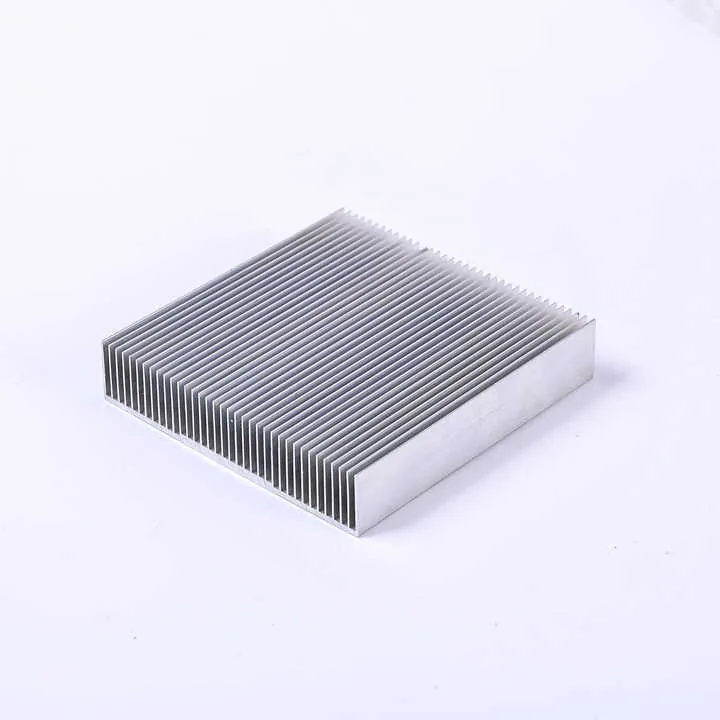
From making kitchen cabinets to producing components for planes, routers are everywhere. They simplify production, reduce labor costs, and allow complex shapes to be repeated perfectly.
Key Industry Applications
1. Furniture and Interior Design
Woodworkers use CNC routers to cut cabinets, shelves, doors, and decorative panels. Instead of sawing each piece manually, they input a design and let the machine handle it. This improves accuracy and reduces waste.
2. Advertising and Sign Making
Plastic and foam are shaped into 3D letters, backlit signage, and custom displays. Because CNC routers can follow curves and intricate shapes, they’re ideal for branding applications.
3. Construction and Architecture
Architectural panels, window frames, and moldings are often CNC-cut. Aluminum composite panels (ACPs) are commonly routed for building exteriors.
4. Automotive and Aerospace
Aluminum parts like brackets, panels, and lightweight frames are shaped precisely. These industries rely on tight tolerances, and CNC routers deliver just that.
5. Prototyping and Product Design
Inventors and startups use routers to cut out foam or plastic prototypes. This allows them to iterate quickly without expensive tools.
6. Electronics
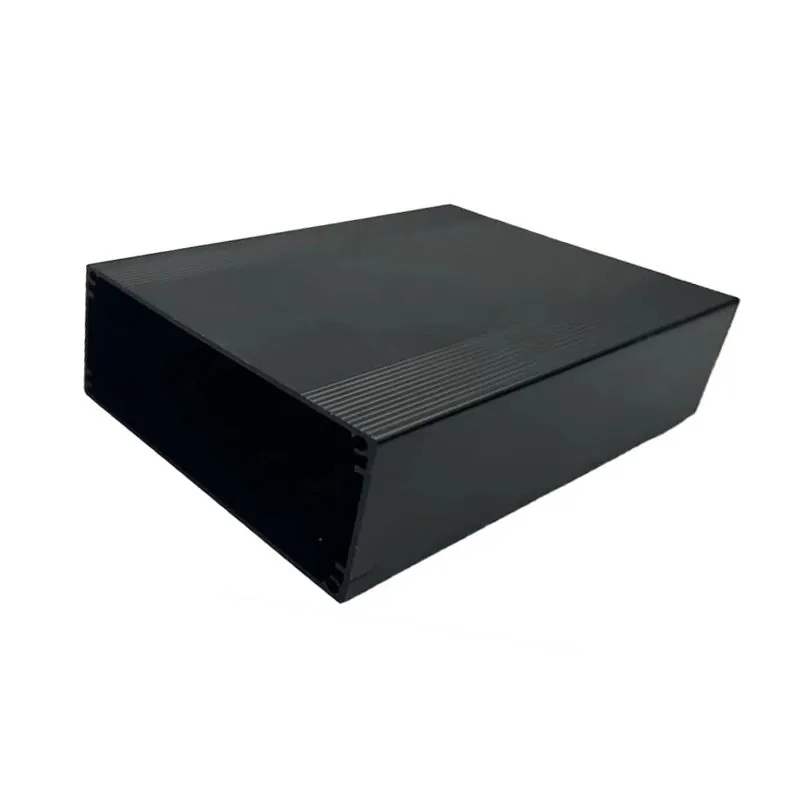
Router-cut plastic and aluminum enclosures protect delicate electronics. The ability to cut holes for ports and vents makes them essential for low-volume production.
Whether it’s a small shop or a large factory, CNC routers bring speed, quality, and flexibility.
Conclusion
CNC routers are not just for high-tech factories—they are versatile, precise, and increasingly accessible. They cut wood, plastic, metal, and more, with consistent results. Whether you’re making signs, cabinets, or aluminum parts, a CNC router might be the tool that transforms your production line.